Unstable SMP FFAGetting Started
How to Change Character in Unstable SMP FFA
Last updated:
Switch your character and preset kit from the Game Menu, after a Free For All death, or while choosing a Duel opponent.
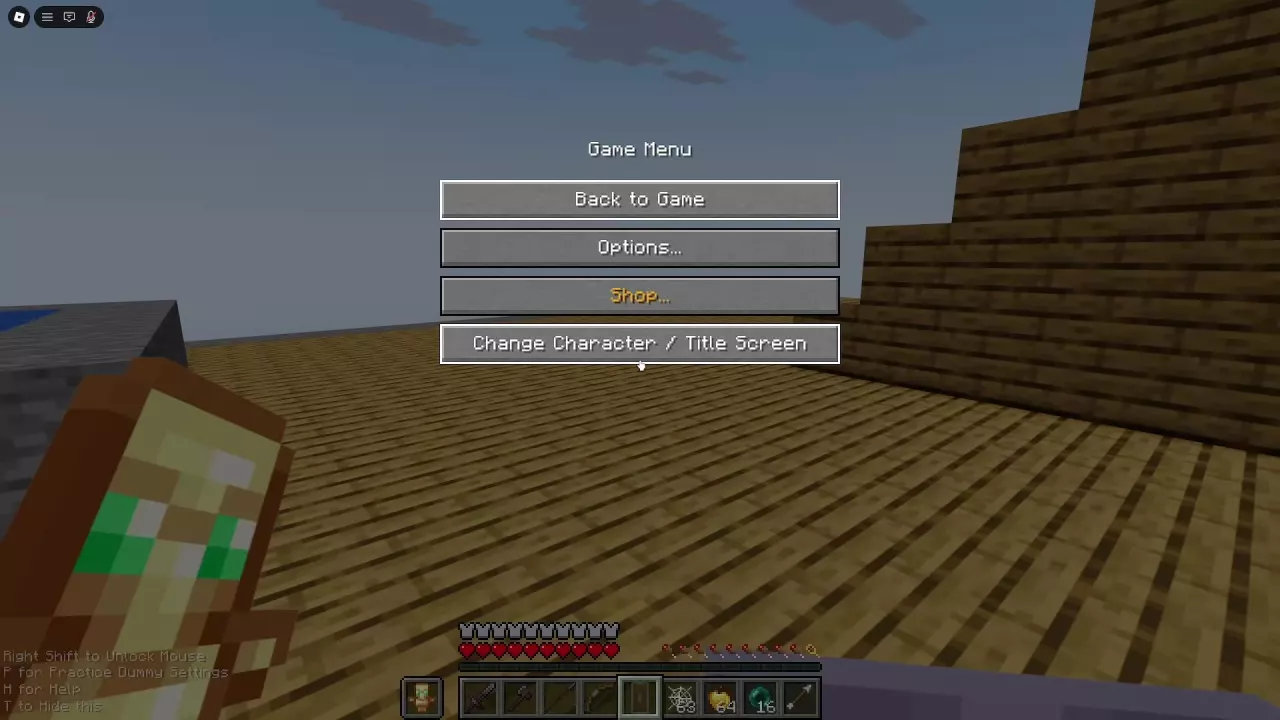
Change Character from the Game Menu
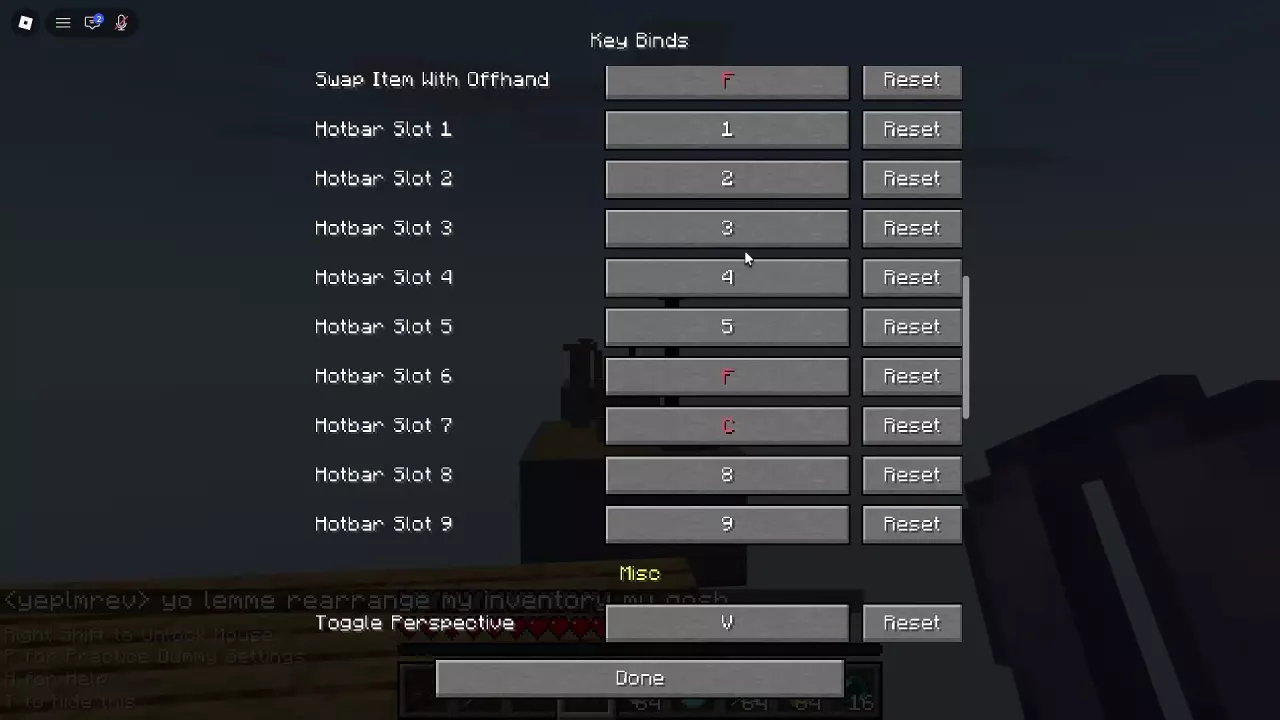
- Open Game Menu. On PC, the default key for Main Menu is M; use your configured control if you changed it.
- Select Change Character / Title Screen to return to the title screen.
- Choose the mode you want to play and open its character selection.
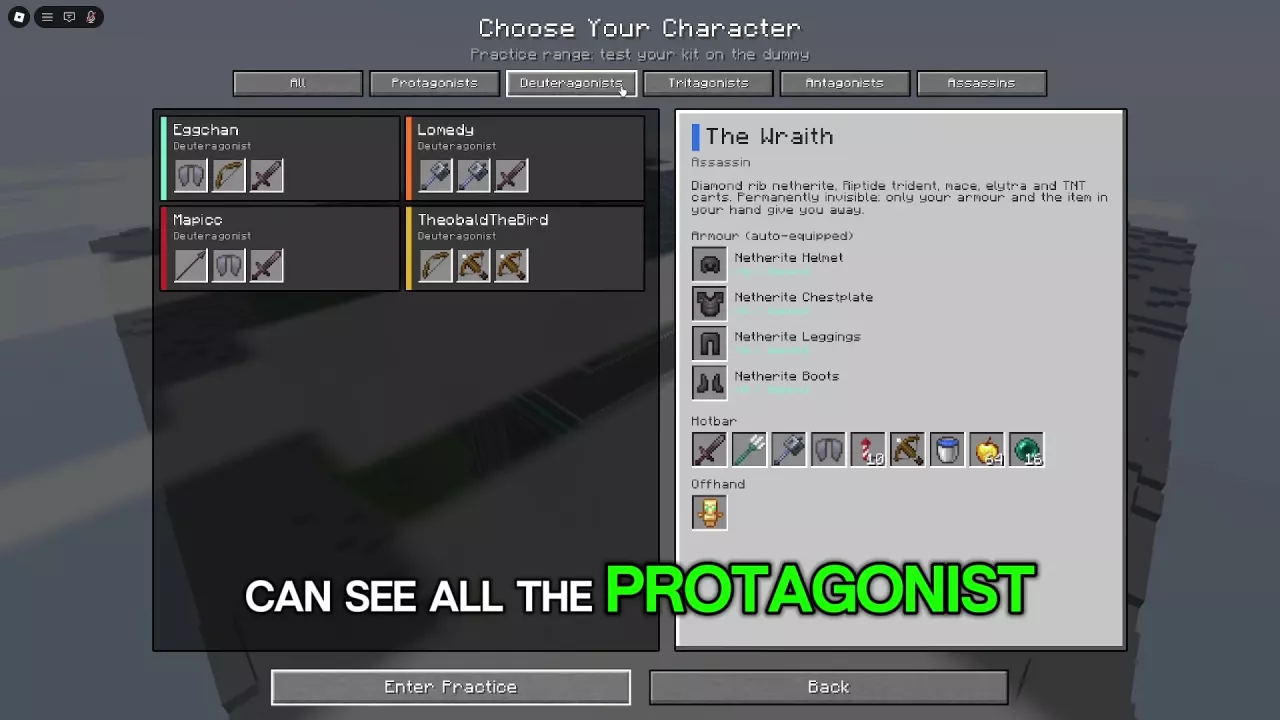
- Select a character, review its preset armor, Hotbar and Offhand, and press Play.
Choose Back to Game if you want to continue your current session. The Game Menu also has direct Shop and Options buttons.
For help choosing a kit, browse the characters and preset kits. See PC controls and keybinds for control changes.
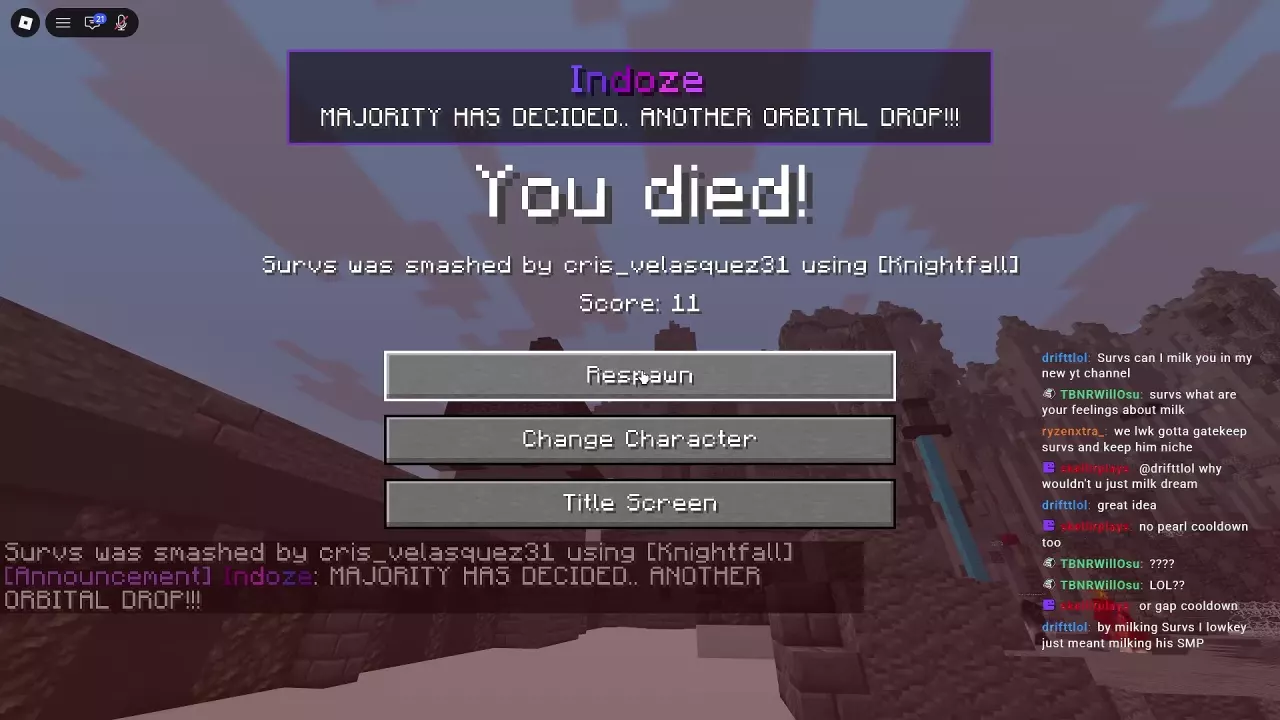
Choose an Option After Death
After dying in Free For All, choose the button for what you want to do next:
- Respawn: Return to play.
- Change Character: Return directly to character selection and choose another kit.
- Title Screen: Return to the title screen and its mode entrances.
Change Your Duel Kit
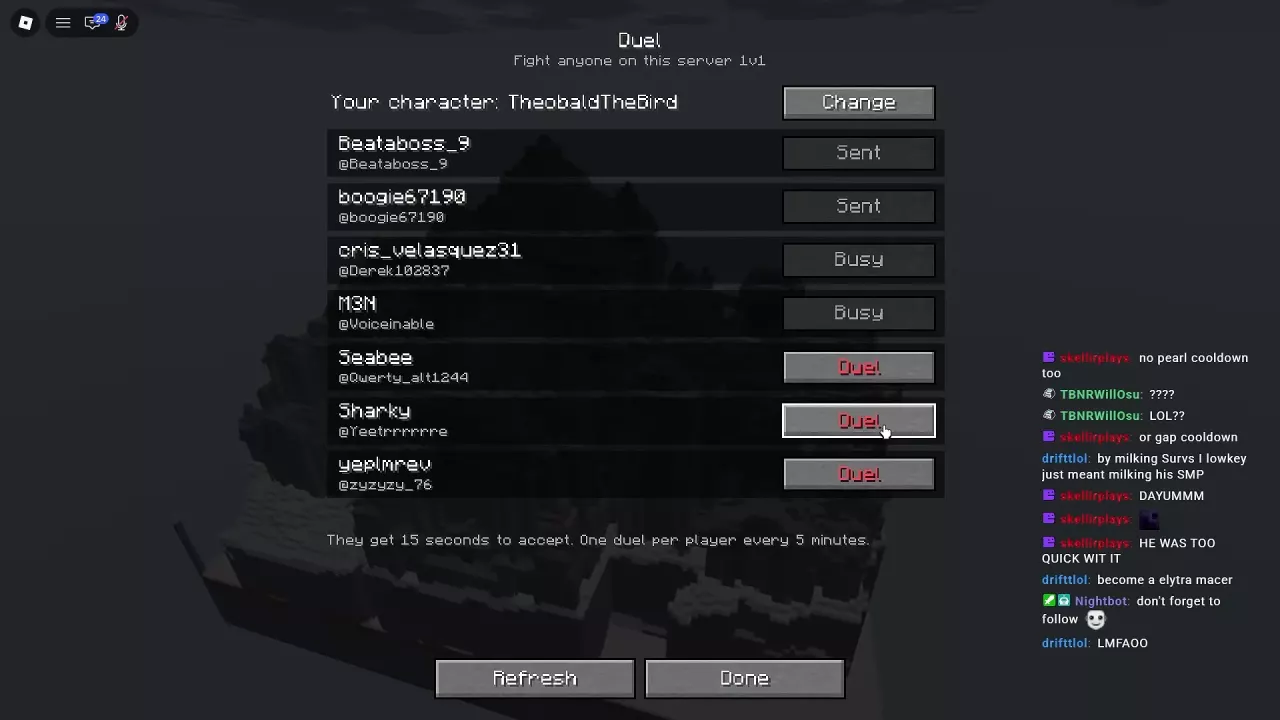
In the Duel player list, select Change beside your current character and choose the character you want for the fight. For inviting an opponent and managing requests, see the Duels guide.