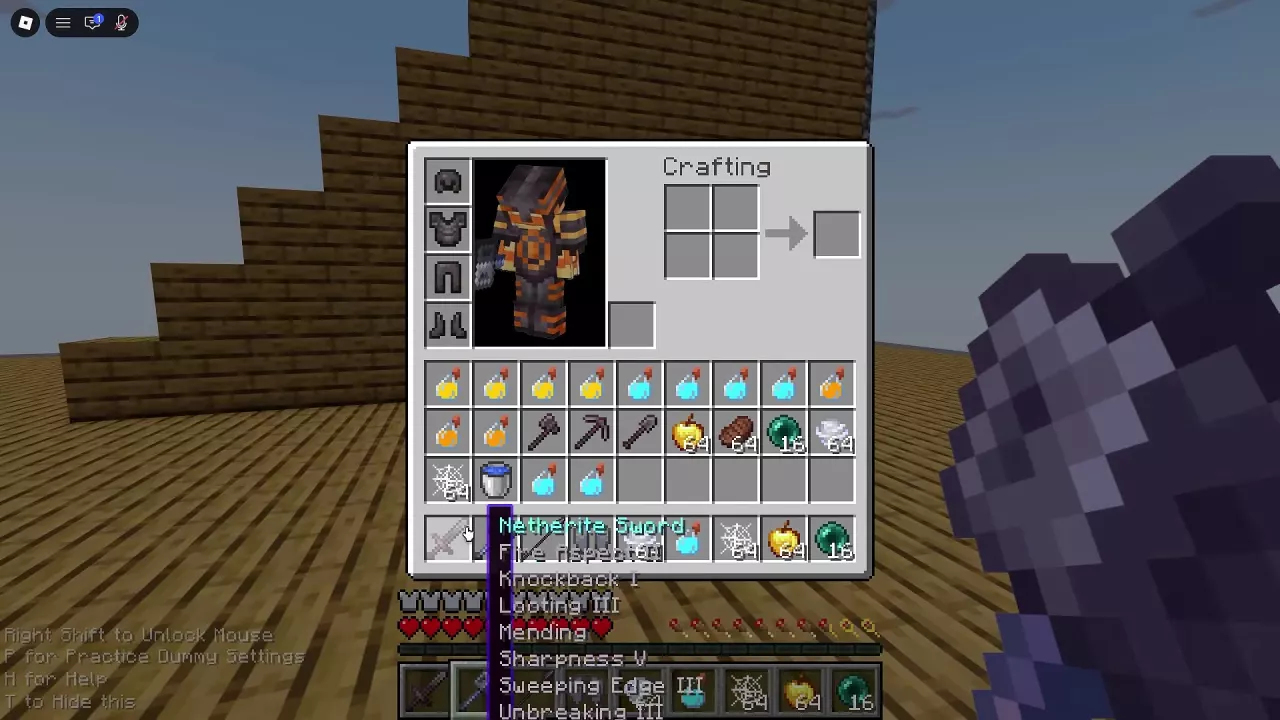
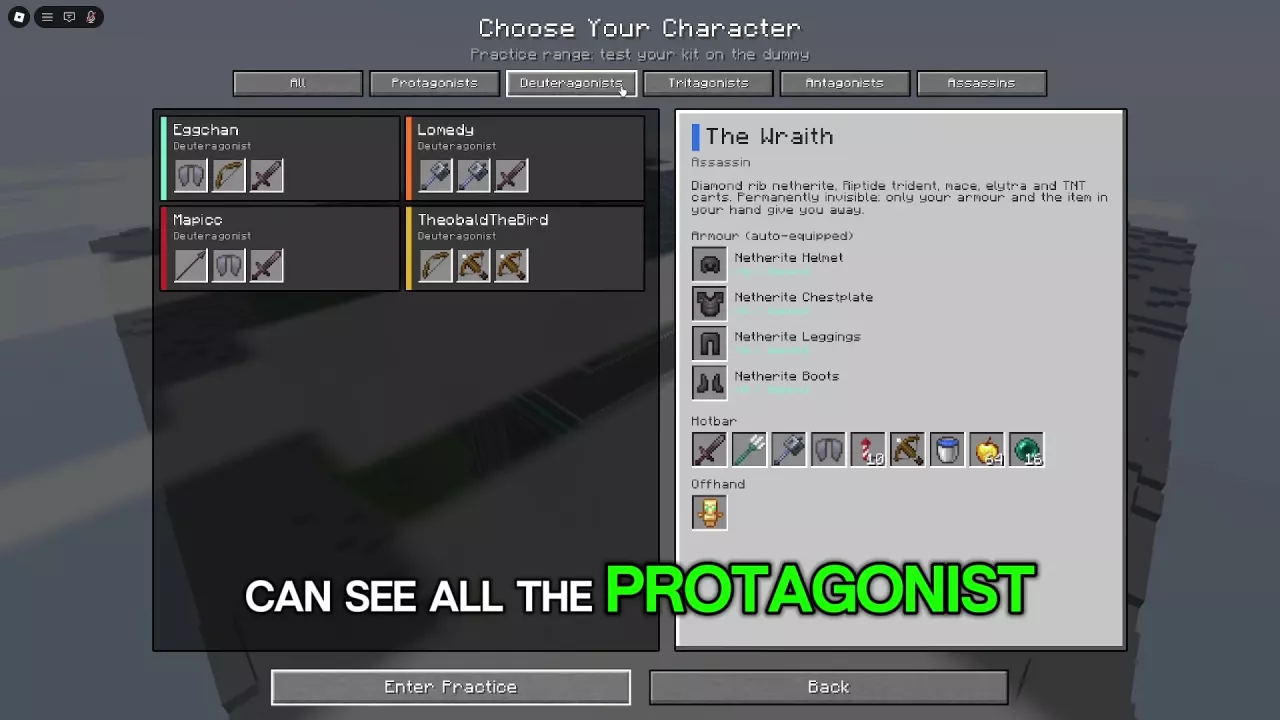
Your character's kit determines which supplies you bring into combat. Find recovery items, potions, defensive tools, Cobwebs and buckets, then choose what to keep ready for your next fight.
Browse the directory
11 objects
Search recovery items, potions, defensive supplies, Cobwebs and buckets, including their use conditions and kit connections.
Golden Apple
Golden Apples
Type
Recovery consumable
Role
—
Effect
—
Use
Select from the hotbar and eat.
(When carried by the kit or inventory)
Availability
—
More details
Recovery
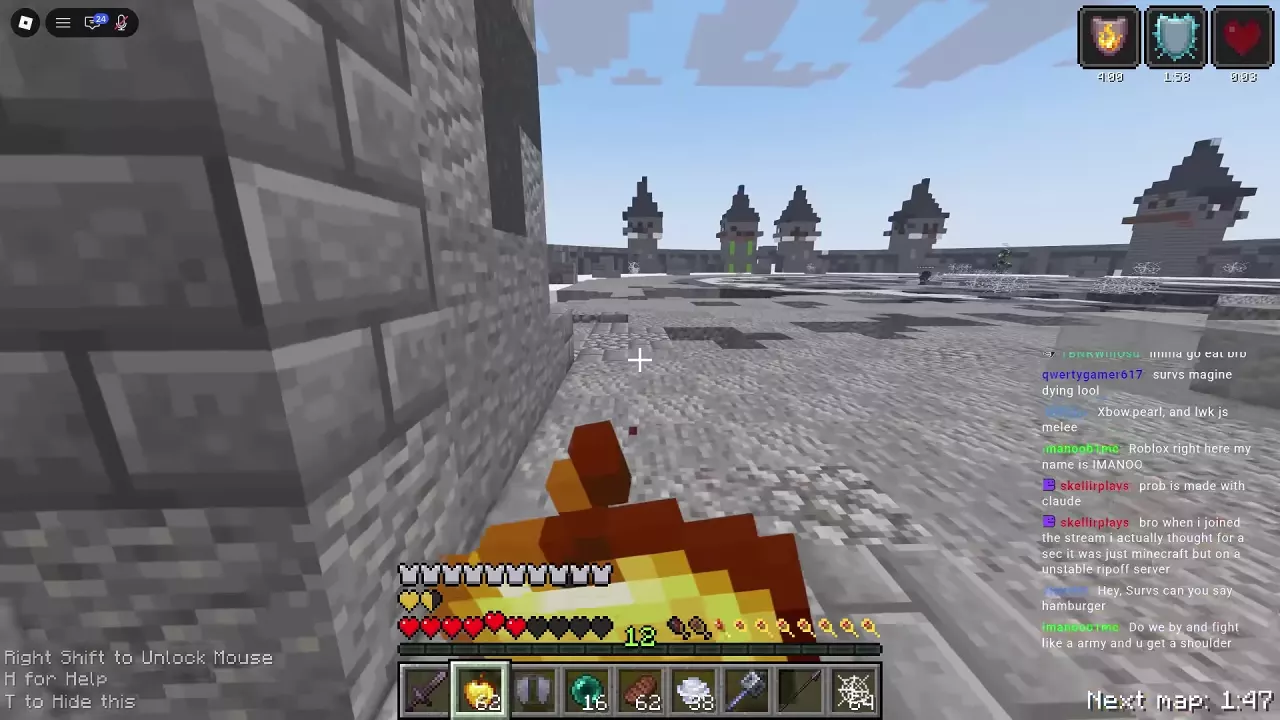
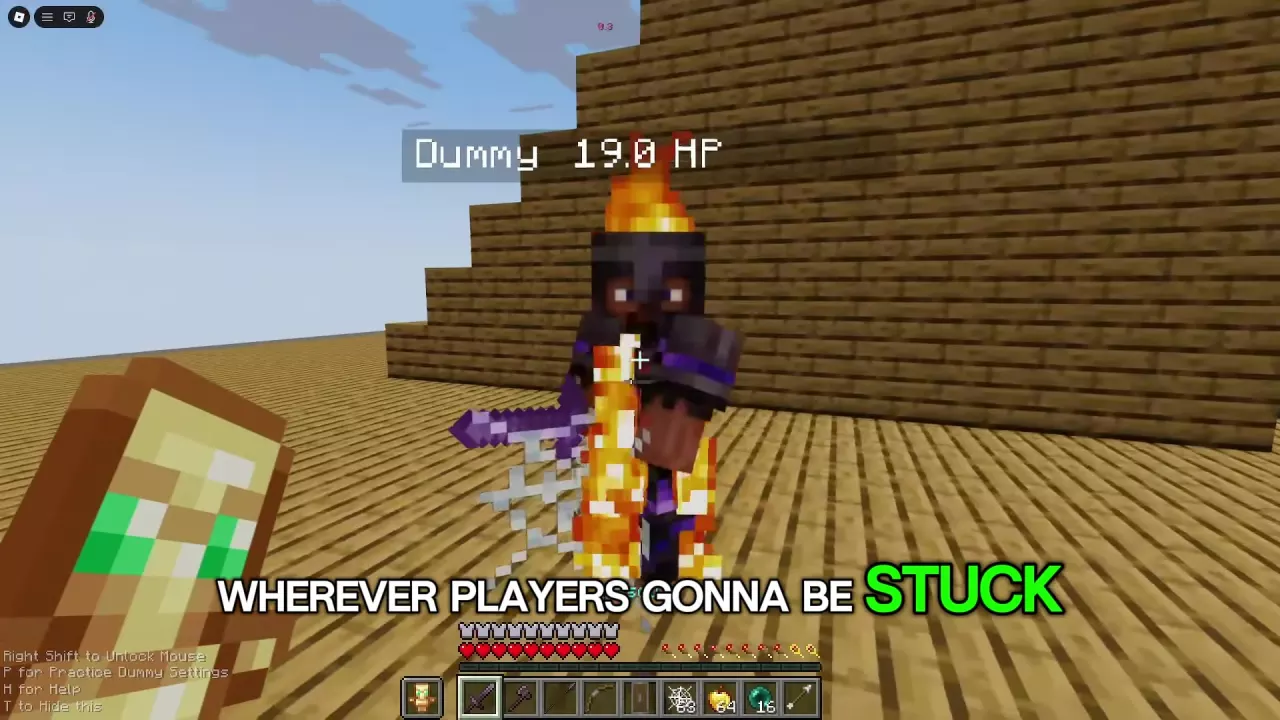
Red hearts recover after eating; extra golden hearts and timed status icons appear.
Extra golden hearts
2 hearts
(Examples after eating one apple in Practice and Free For All; no simultaneous totem activation)
Apples consumed
1 apple
(Free For All eating example: stack decreases from 63 to 62)
Kit quantity
64 apples
(Swight Free For All preset)
Kit quantity
64 apples
(Wemmbu's Simulator character preset)
When to use
Create safe space and eat before one more hit could defeat you.
(Beginner survival advice)
Overlapping recovery
A recent totem activation and an apple can contribute to the same recovery period.
(Eating immediately after a totem activation)
Search by an item's name or alias, such as Golden Apples or Speed potion. Open More details for its use conditions and kit connections.
The ordinary supply list includes Golden Apple, Steak, Splash Potions of Strength, Swiftness and Fire Resistance, Totem of Undying, Totem of Null, Shield, Cobweb, Water Bucket and TNT Bucket. Steak is food carried alongside combat equipment in TheobaldTheBird's Free For All inventory.
Check the condition attached to an attribute: a quantity or enchantment belonging to one preset or inventory configuration does not describe every copy of that item. For swords, axes, spears and other offensive gear, use the weapons directory.
Choose Supplies for the Next Fight
Need
Supplies to prioritize
When they help
Recovery
Golden Apple
Create space to eat and recover before another hit can defeat you.
Combat buffs
Strength, Swiftness and Fire Resistance splash potions
Prepare for melee, mobility or fights involving fire.
Defense
Shield and Totem of Undying
Block incoming attacks with a Shield; an equipped totem can save you during critical damage and is consumed when it activates.
Control
Cobweb
Restrict an opponent's movement to create an attack opening. Your own web can trap you too.
Movement
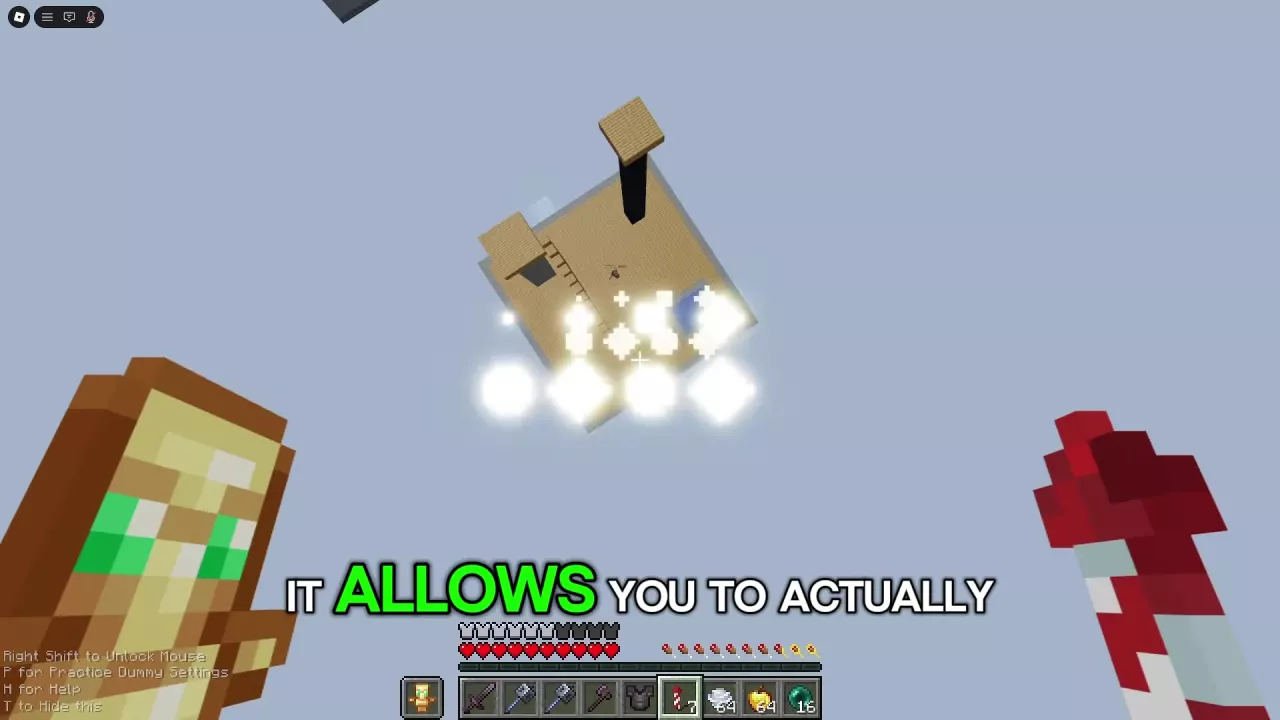
Wind Charge, Ender Pearl, Elytra with Firework Rockets
Gain height, close a gap, escape or sustain airborne movement when your kit supplies the equipment.
Armor
Chestplate or Elytra
Choose protection for close combat or flight for repositioning.
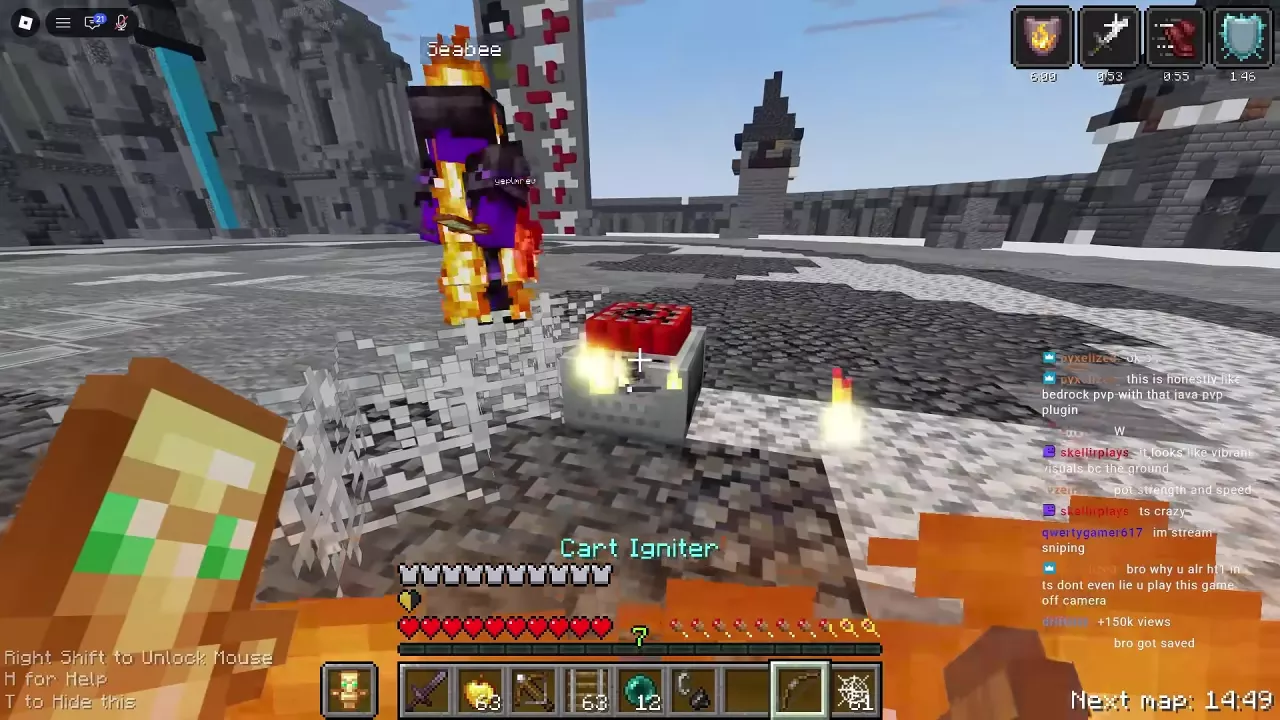
TNT cart attacks
Minecart with TNT and its supporting equipment
Prepare a coordinated explosive attack with a cart-equipped kit.
One-use attacks
Shots
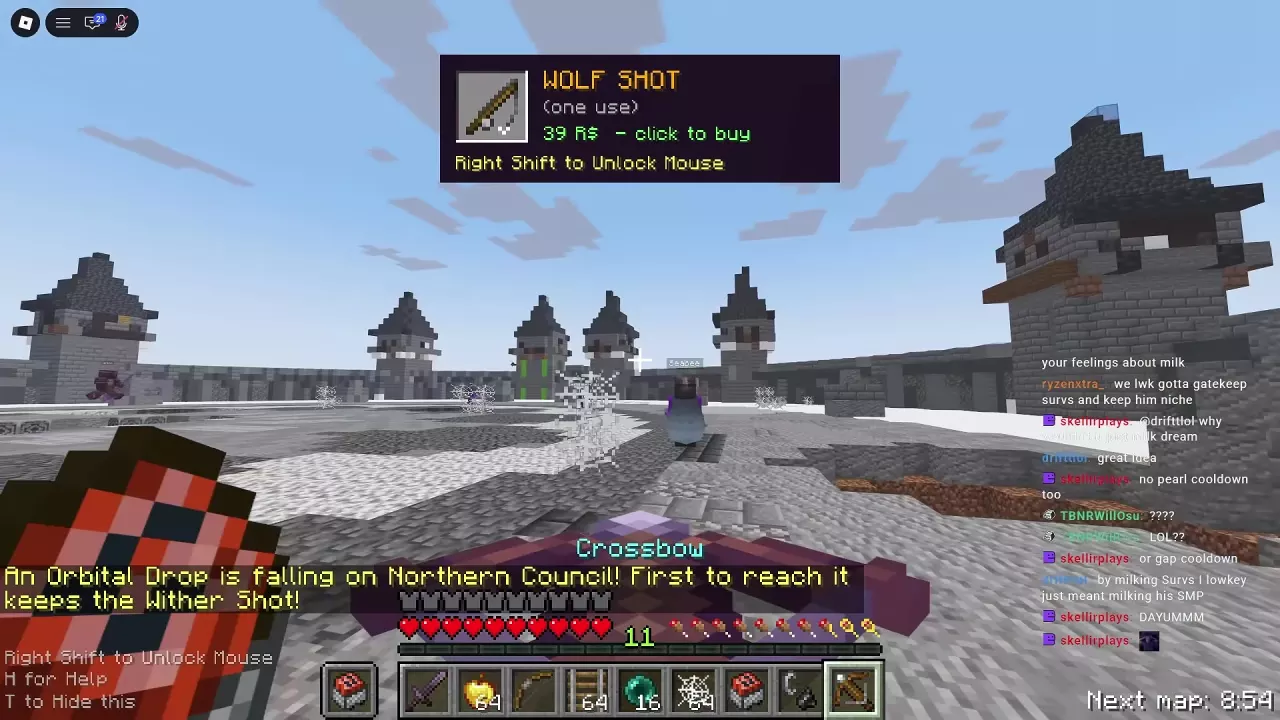
Keep the intended Shot accessible and account for its single-use consumption.
Match preparation to your preset:
Shield and totem configurations: FlameFrags and ParrotX2 have Practice presets with both; ItzRealMe, Flowtives and Swight have Free For All presets with both. Keep the Shield on the hotbar while the totem occupies the offhand.
ManePear: The preset has neither a Shield nor a totem. Its speed and burst damage come with Cobwebs and Golden Apples, so prioritize control, room to move and recovery instead of relying on a defensive item the kit does not carry.
TheobaldTheBird: Cobwebs, Golden Apples and an offhand totem accompany the TNT minecart equipment. Keep the attack setup accessible without losing quick access to recovery.
Totem of Null costs 199 Robux in Shop and works in Free For All only. It is a one-use item that provides five NULL members to fight alongside you, each with their own fighting style.
The members attack players who damage you and players whom you attack. Their support lasts under two rules:
A killed NULL member does not return during that use.
When the totem pops, all remaining members leave.
Choose it when you want temporary allies to help fight the players you engage. The purchase pays for expendable support: losing members reduces your backup, and triggering the totem ends the remaining support.
Buckets and Situational Movement
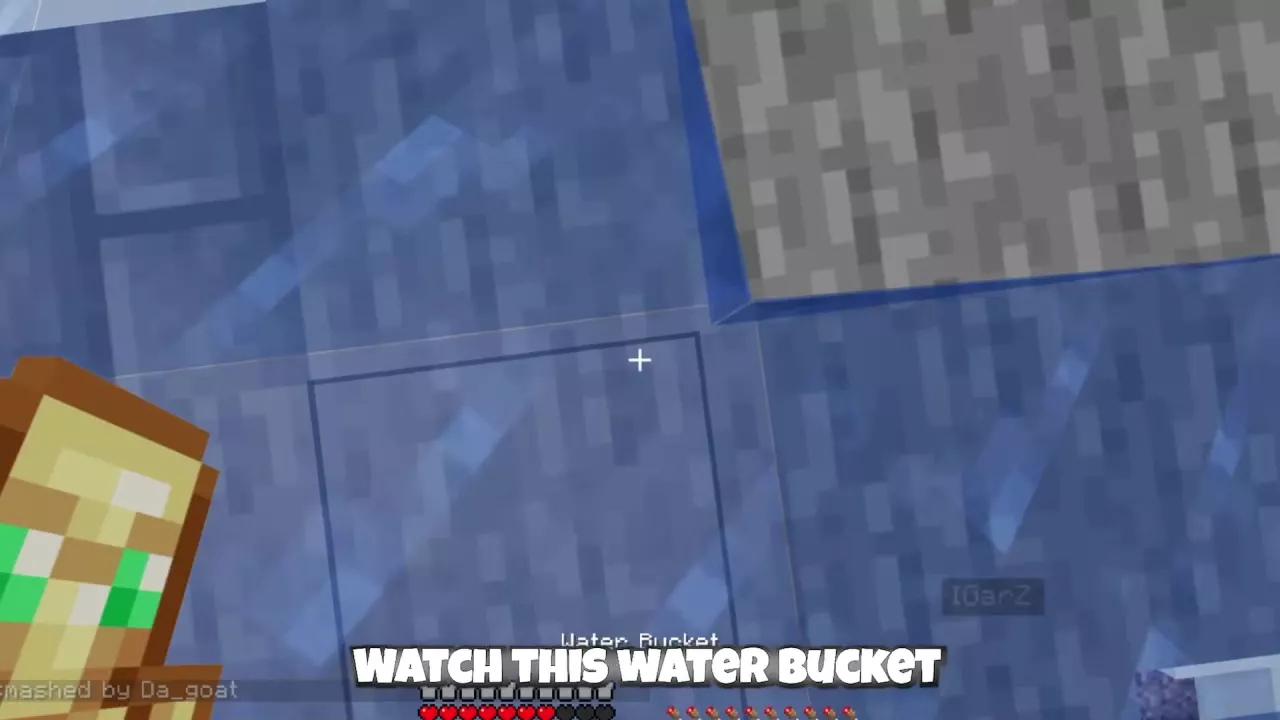
Water Bucket is a situational movement tool. Swight and Flowtives have Free For All presets containing one, and The Wraith has it in Practice and Free For All presets. It can also be carried in TheobaldTheBird's Free For All inventory.
Keep it accessible when fighting near changes in elevation. If knockback sends you falling beside the stone bridge, selecting Water Bucket and placing water at your falling position can help you recover your position when the terrain allows it. A stone-bridge recovery can lead straight back into combat, so keep your weapon and recovery item within reach as well.
TNT Bucket is an additional attack option for kits that provide it. It is a separate item from Minecart with TNT; use the TNT cart guide for rail-based explosive setups.
Recognize Refills and Prepare Reserves
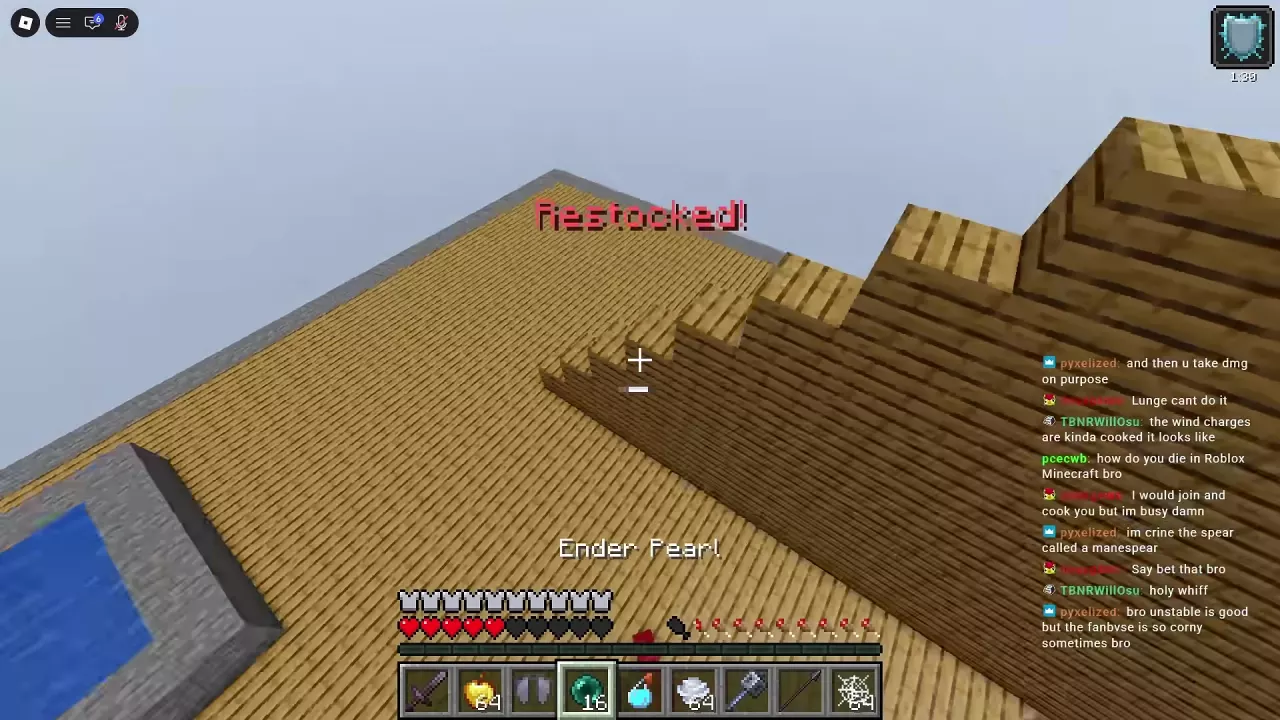
Restocked! marks a consumable refill in Practice. Golden Apples, Ender Pearls and Wind Charges can increase together; a Practice refill can bring the pearl stack back to 16. Watch the stack counts as well as the message to see which supplies are ready again.
Free For All can also include replenishment after a kill, but do not plan your next engagement around a guaranteed refill from every kill. Check your current stacks and keep reserves accessible before rejoining the fight.
After a Totem of Undying activates, move a spare from your inventory into the empty offhand slot if you have one. Use inventory, hotbar and offhand management to keep replacements and recovery supplies easy to reach.
Cart Restock is a separate supply item containing 18 TNT minecarts. Follow the Cart Restock instructions to replenish that attack setup.
Compare all four Unstable SMP FFA Shots, their Robux prices and acquisition routes. Learn to collect Nuke Shots from an Orbital Box and use Nuke or Wolf.