Unstable SMP FFA Orbital Drops: Find, Claim and Vote
Last updated:
Orbital Drops give Free For All players a chance to race for an announced Shot. Read the announcement, find the landing point, and move quickly to claim it.
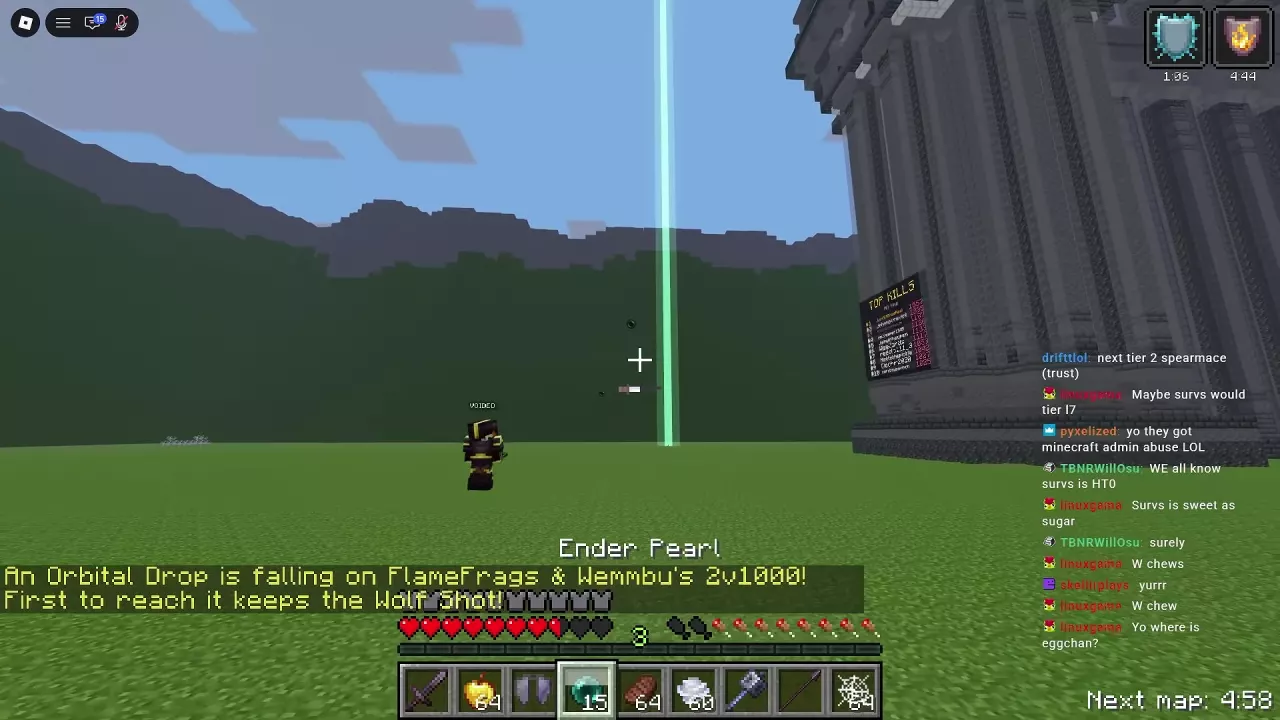
Read the Announcement and Find the Landing Point
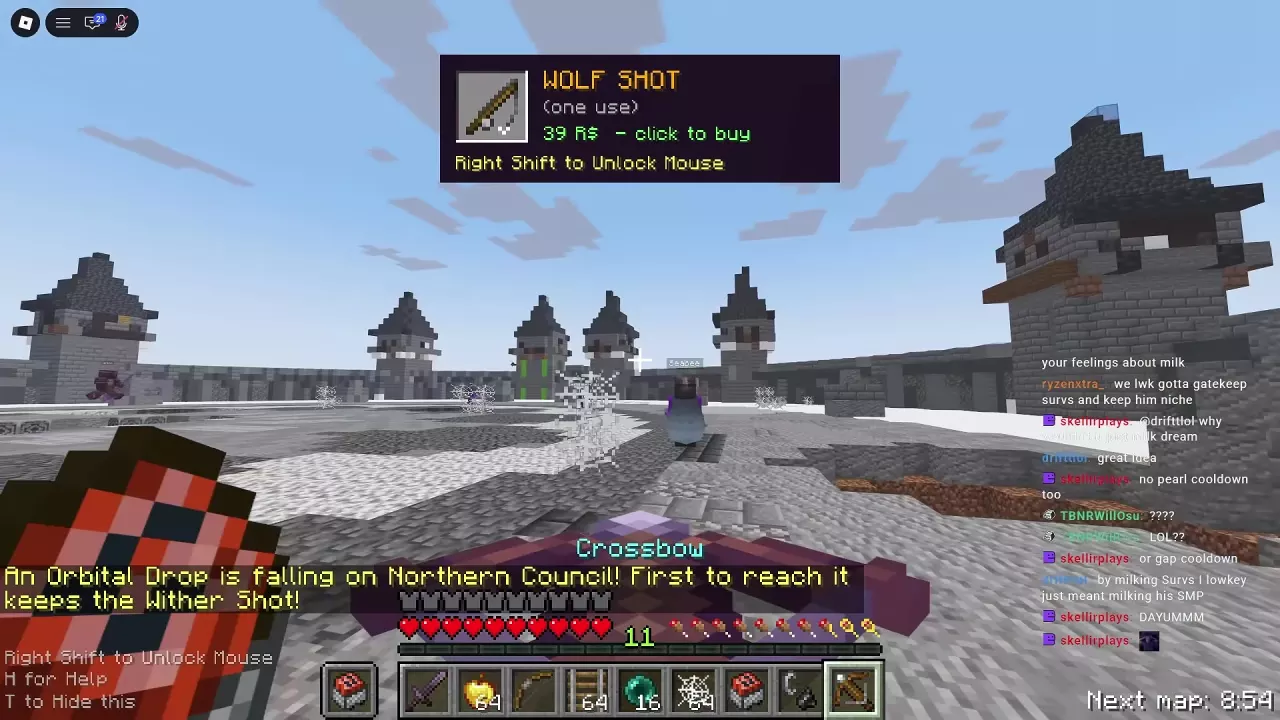
Watch for an Orbital Drop announcement in Free For All. It names the reward and the arena where the drop is landing. Look for the falling object and a landing marker: a green beam marked the Wolf Shot drop on FlameFrags & Wemmbu's 2v1000. A separate Wither Shot announcement named Northern Council.
Use the announcement to orient yourself, then look for the landing point in the arena. The maps guide covers the arenas and Northern Council terrain.
Reach the Drop First and Claim the Shot
- Move toward the landing point as soon as you identify it. If you have an Ender Pearl, throw it toward the drop to close the distance.
- Reach the drop before the other players. The first arrival receives the announced Shot; if someone else gets there first, they claim it.
- After a successful claim, look for the inventory notification and the server announcement naming the winner. Open your inventory, find the Shot, and move it to your hotbar when you are ready to use it.
For more ways to close distance, see the movement guide.
Vote for Another Orbital Drop
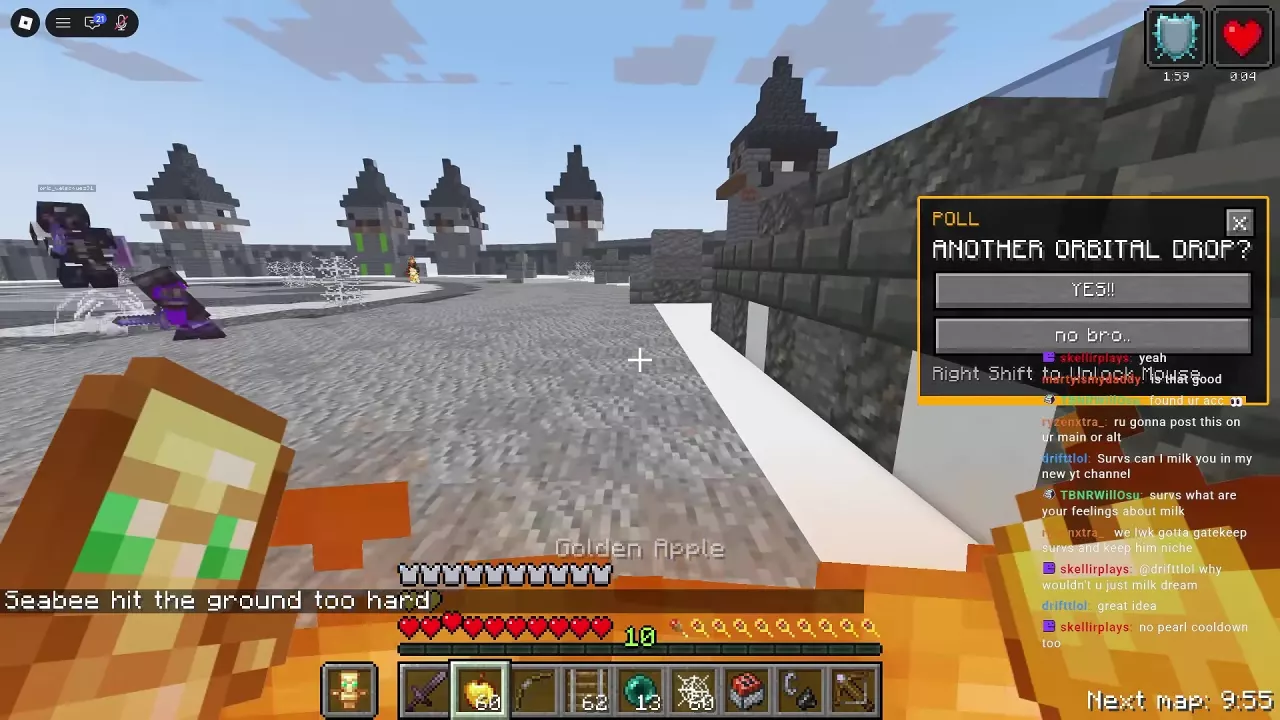
When ANOTHER ORBITAL DROP? appears, press Right Shift to unlock your mouse. Select YES!! to vote for another drop or no bro.. to vote against it.
A majority-approved vote has led to another drop. If a new one is announced, read its location and reward again before heading out.
Orbital Drop Rewards and Simulator Boxes
Wolf Shot and Wither Shot can be announced as Free For All Orbital Drop rewards. Shots are single-use items; see the Shot guide for the four Shots, their sources and how to use Wolf Shot.
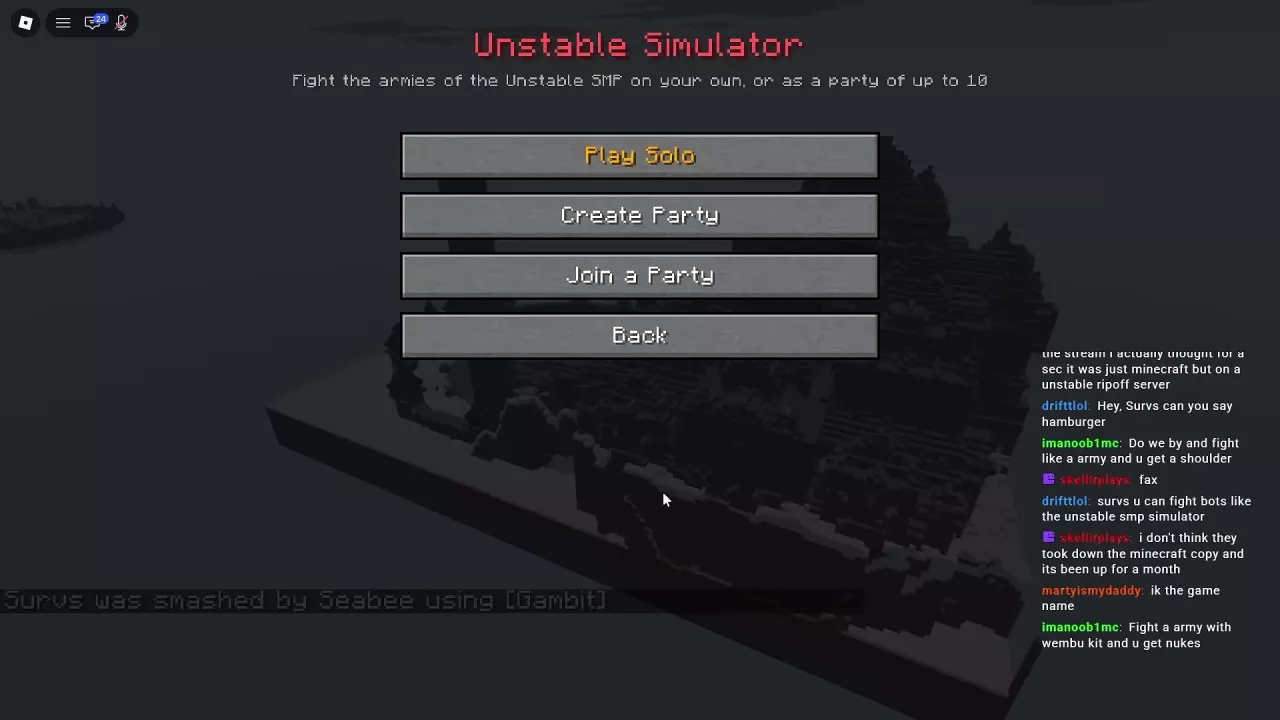
In Simulator, an Orbital Box is a supply container rather than a contested Free For All drop. Open it to transfer supplies such as Nuke Shots into your inventory or hotbar.