Unstable SMP FFA Free For All: Survival, Killstreaks and Score
Last updated:
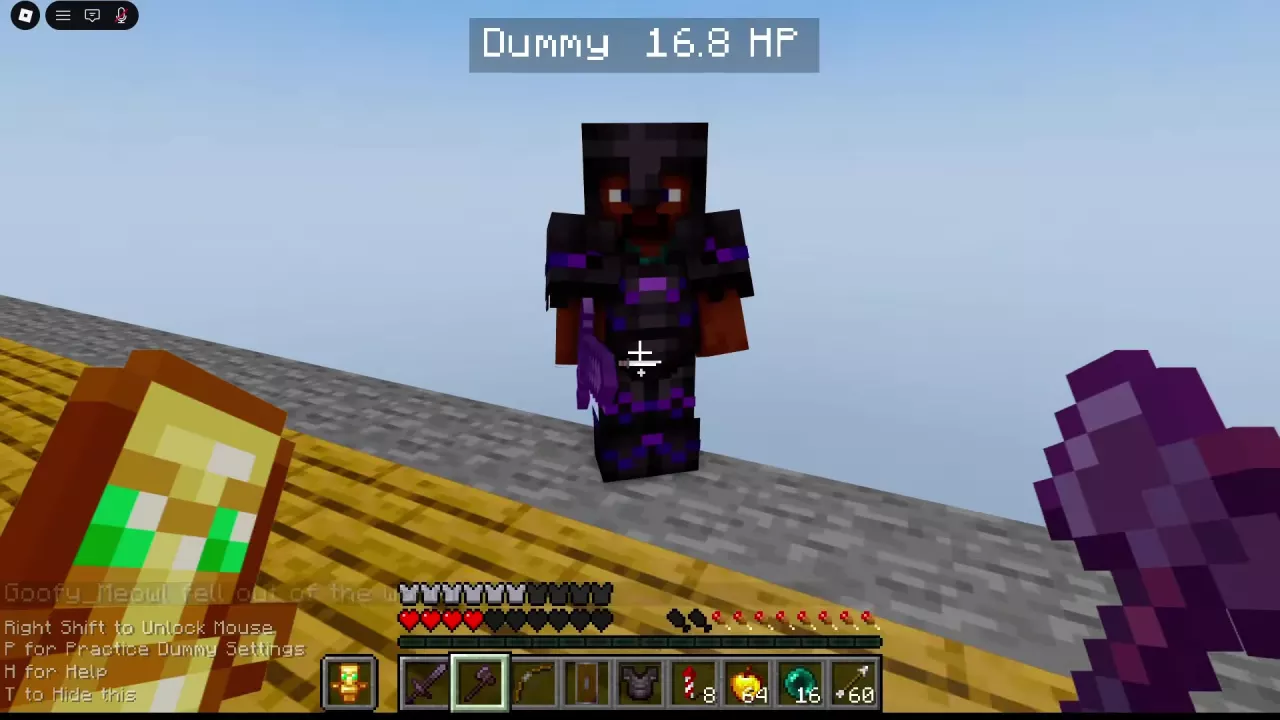
Free For All puts you in an arena with other players and a character's preset gear. Choose your fights carefully, keep room to recover and watch the kill feedback as you play.
Enter the Arena with a Character Preset
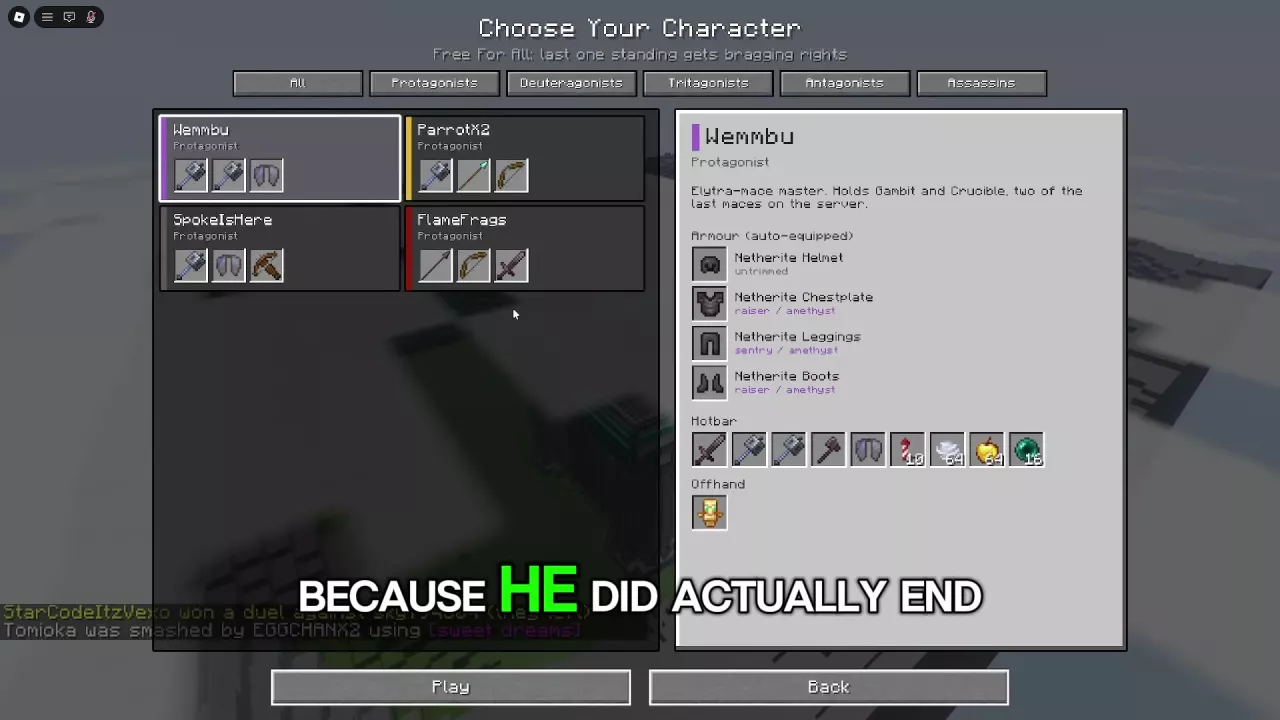
- Select Play Free For All from the main menu.
- Browse the character categories and select a character available to you.
- Check the character's description, automatically equipped armor, Hotbar and Offhand. Look for recovery and movement tools you can use during a fight.
- Press Play to enter the arena with that preset. Use Back if you want to leave the selector.
Once inside, fight other players, stay alive and build consecutive kills. For help choosing a straightforward ground-combat kit, see the beginner kit tier list.
Keep an Escape Route and Recover Early
Before committing to a target, check the nearby players and terrain. Fight where you have room to respond and a route out; chasing one opponent into a crowd can leave you surrounded.
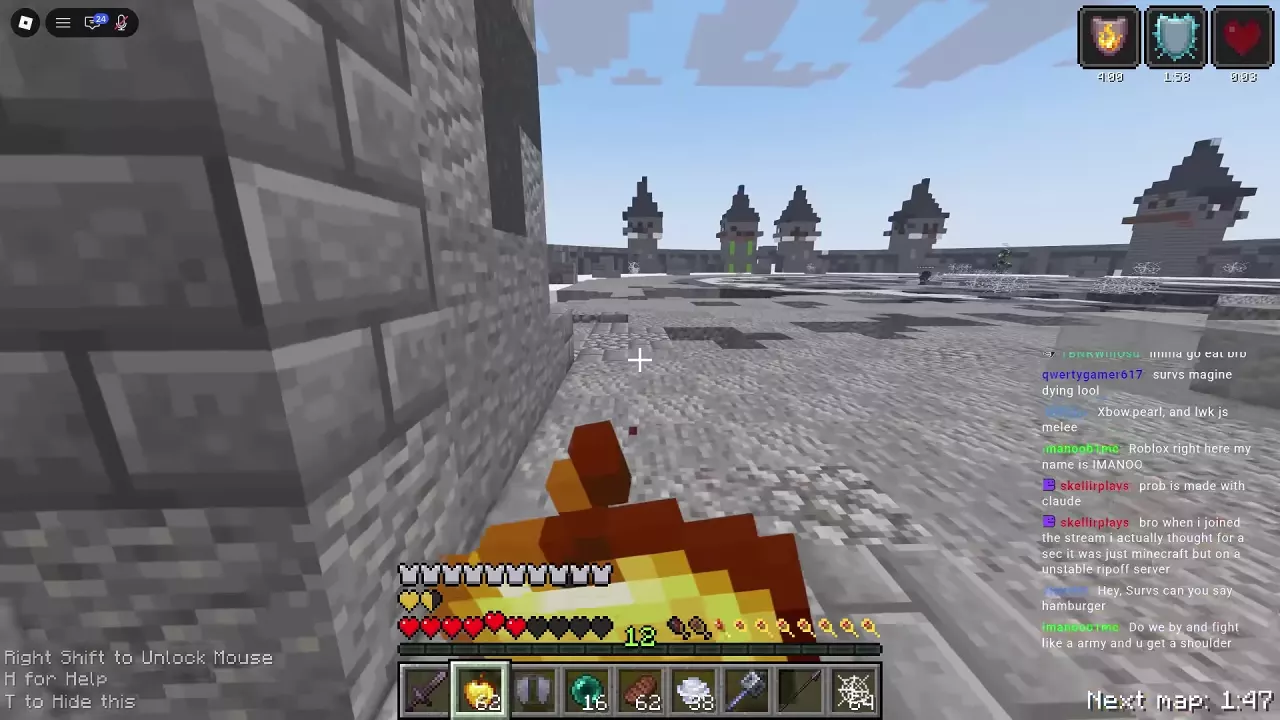
If an exchange goes badly, create distance instead of continuing to swing. Keep a Wind Charge available, if your kit has one, to reposition or disrupt an approaching opponent. A Wind Charge or Ender Pearl can also help you escape a position threatened by Cobwebs.
When your health is low, move to a safer space and eat a Golden Apple if your kit has one. Do this before you are one hit from defeat, then check the players around you and your escape route before rejoining the fight. Reassess the terrain and height differences when the map changes.
For more on movement tools, healing and defense or ground combat timing, follow the relevant guide.
Read Killstreak and Death-Screen Feedback
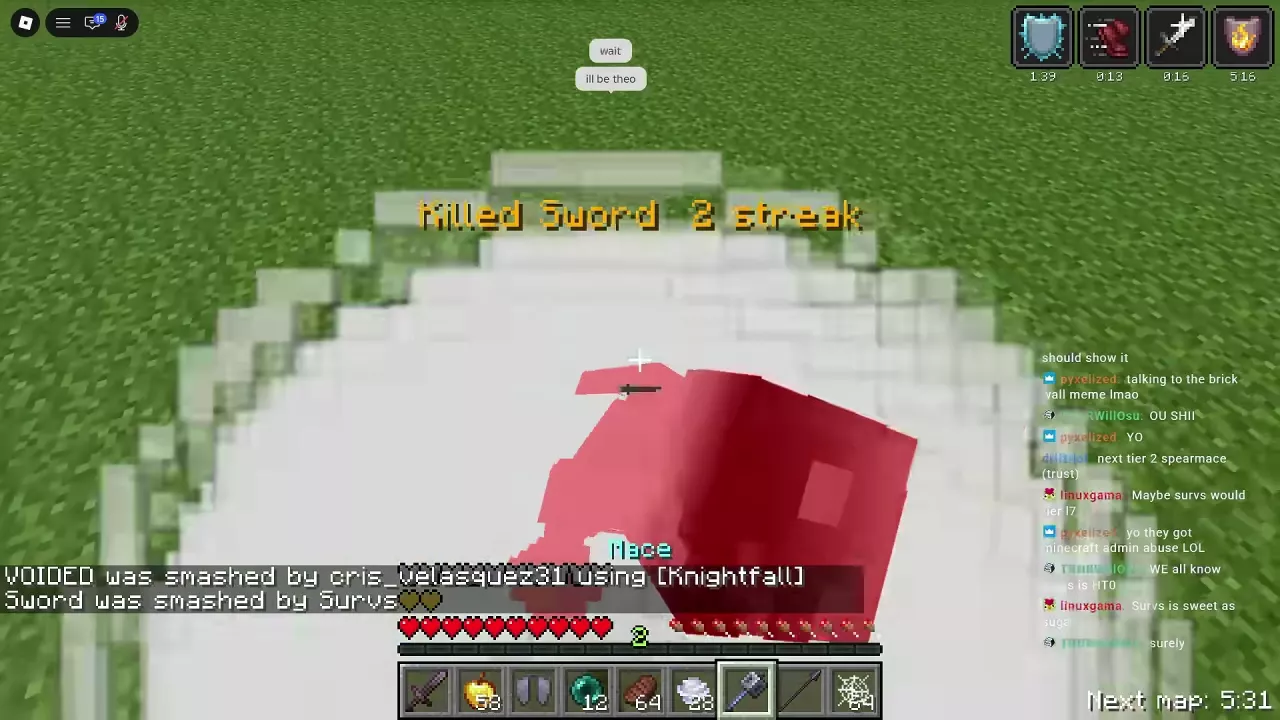
After a credited kill, look for the central Killed notification. Consecutive kills can add an N streak label. For example, 2 streak identifies a two-kill streak; the HUD number also reads 2 in that instance.
Read Score separately on the death screen. In one run, a player reached an 11 streak and the subsequent death screen displayed Score 11. That example does not establish a general Score formula.
Find the All Time Kills Board
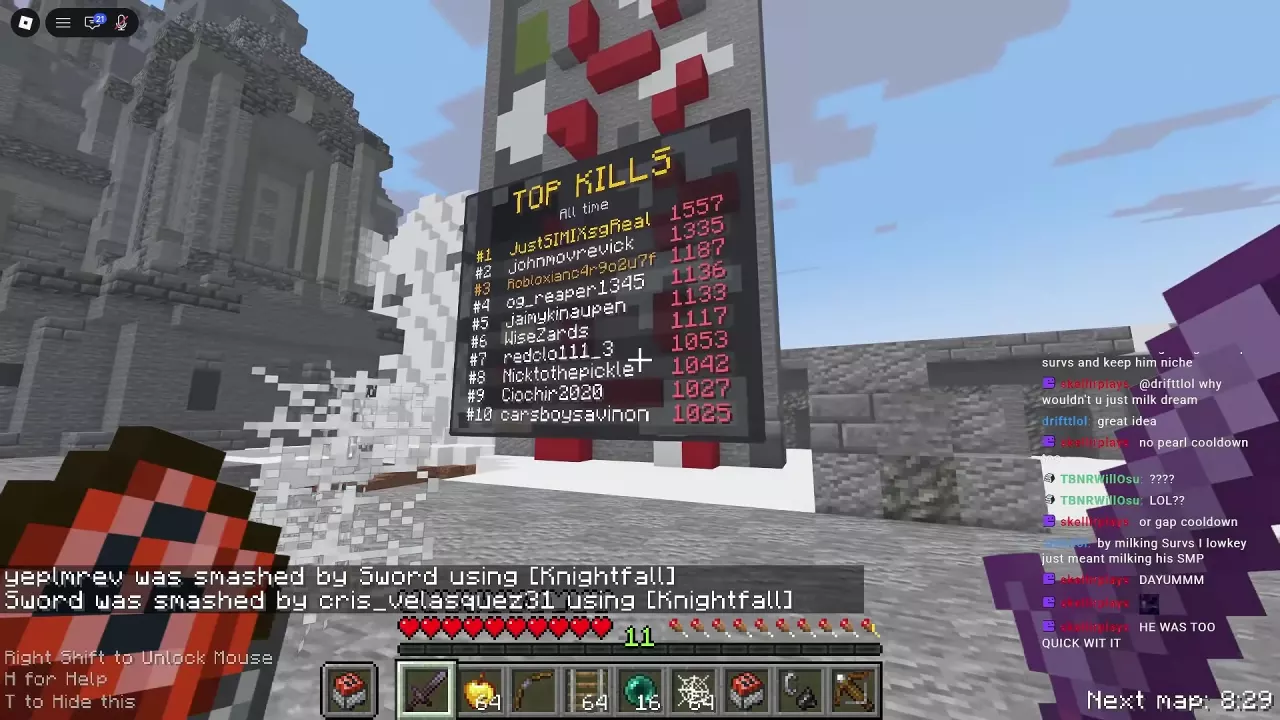
Look around the arena for the TOP KILLS board. Its All time standings list players and their historical kill totals; they are separate from the streak notification you see during a fight.
Map Changes, Orbital Drops and Respawning
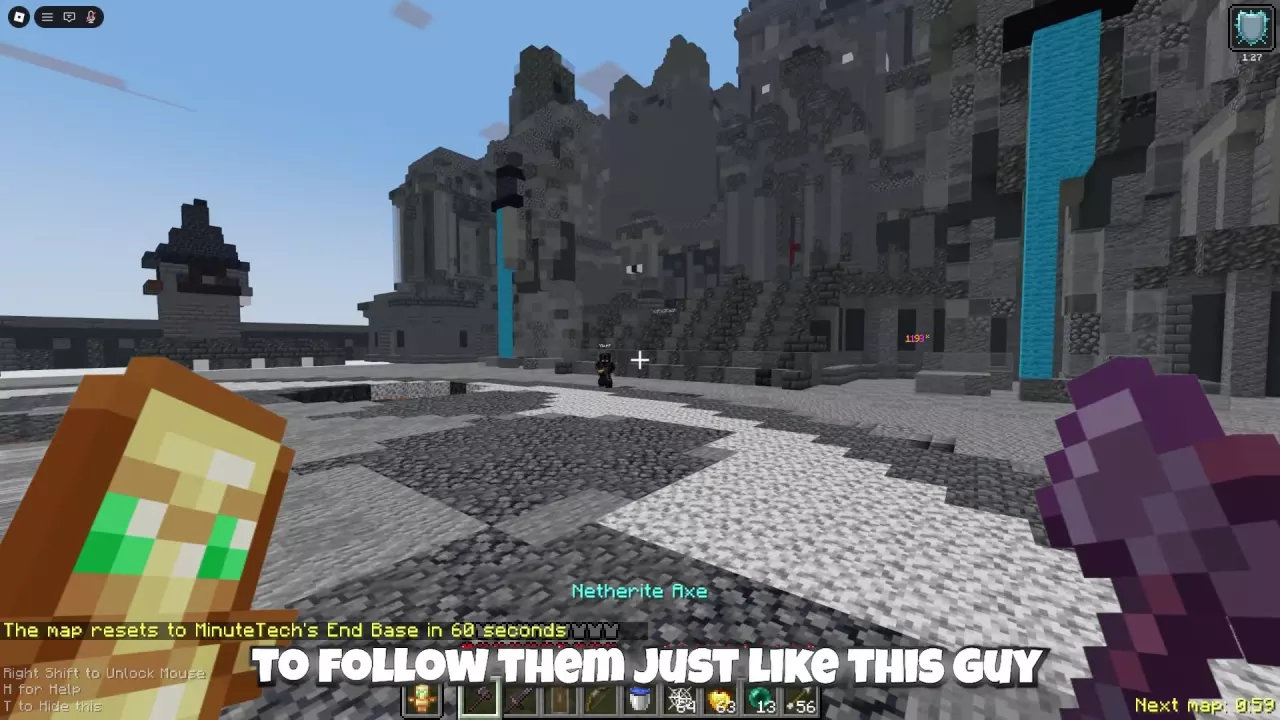
The three arenas rotate every 15 minutes. Watch the Next map countdown and reassess your routes when the arena changes. The maps guide covers the arenas and Northern Council terrain.
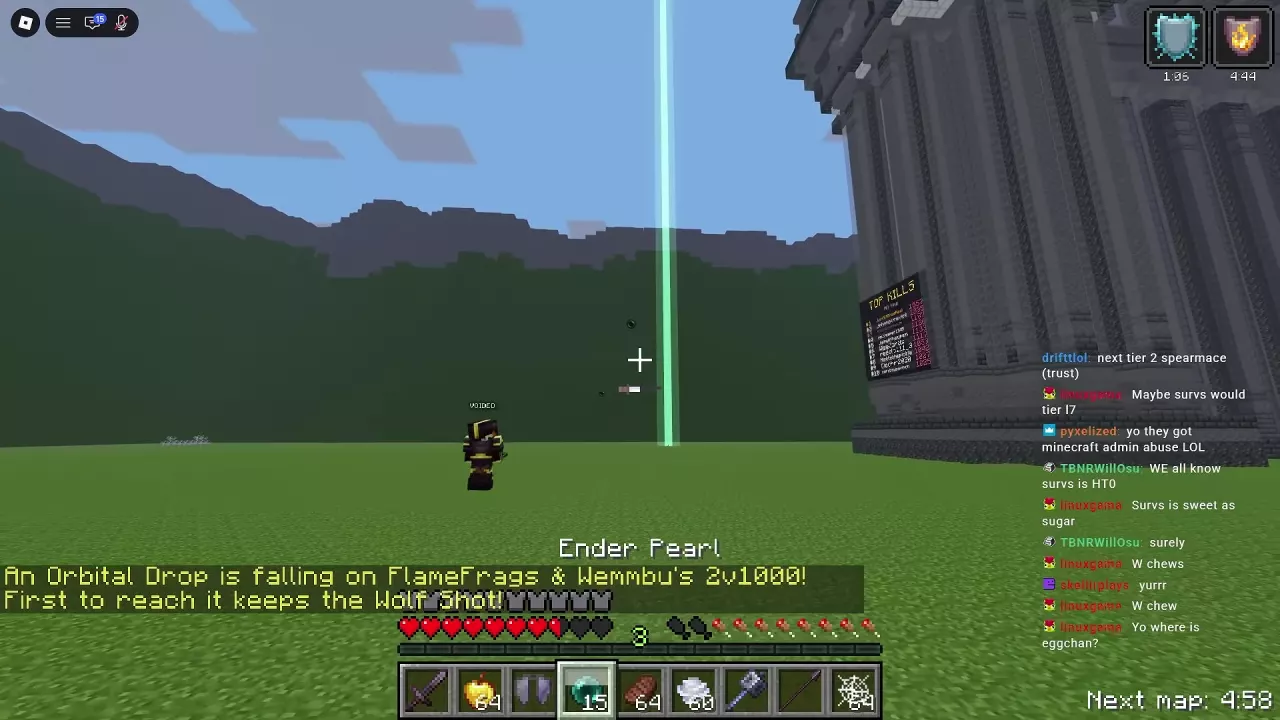
An Orbital Drop adds a contested reward to the fight: the first player to reach the drop receives the announced Shot. Decide whether you can reach it safely while other players are pursuing it. See the Orbital Drop guide for finding, claiming and voting for drops.
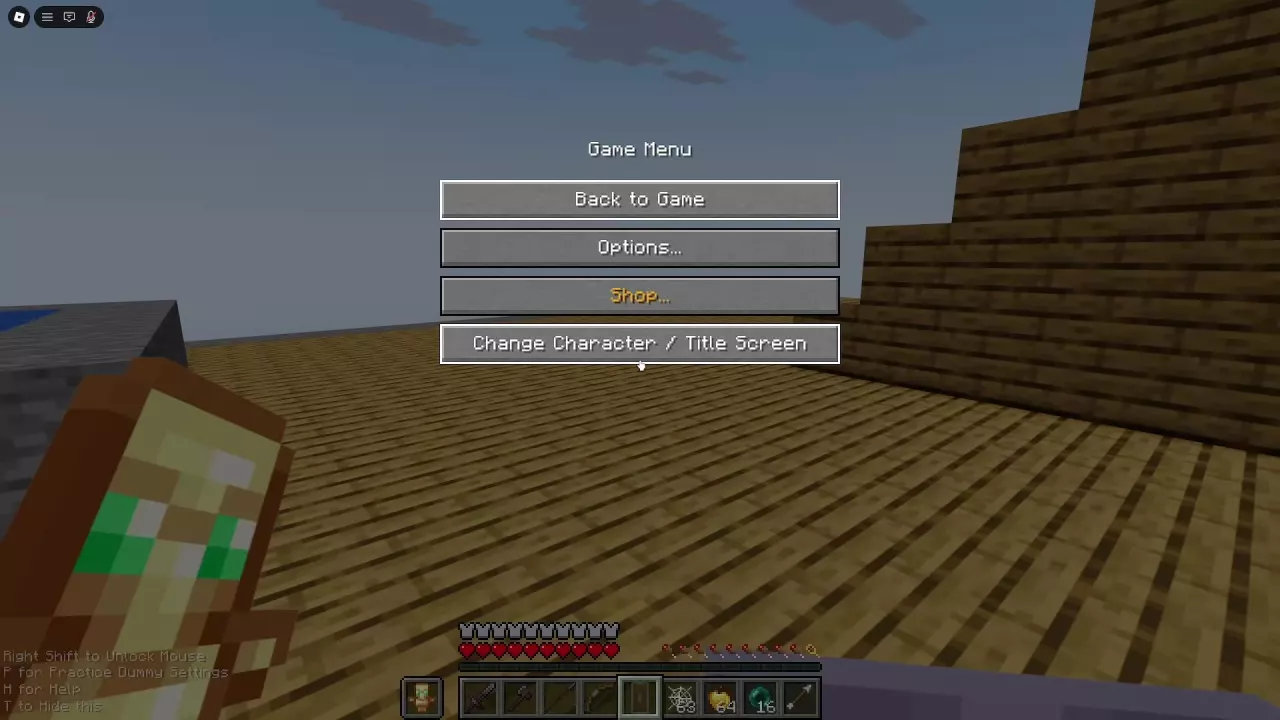
After a death, choose the option that fits your next move:
- Respawn: return to the arena.
- Change Character: choose another character and preset.
- Title Screen: return to the main menu.
See how to change character for the other available switching paths.