Choose TheobaldTheBird and Arrange the Tools
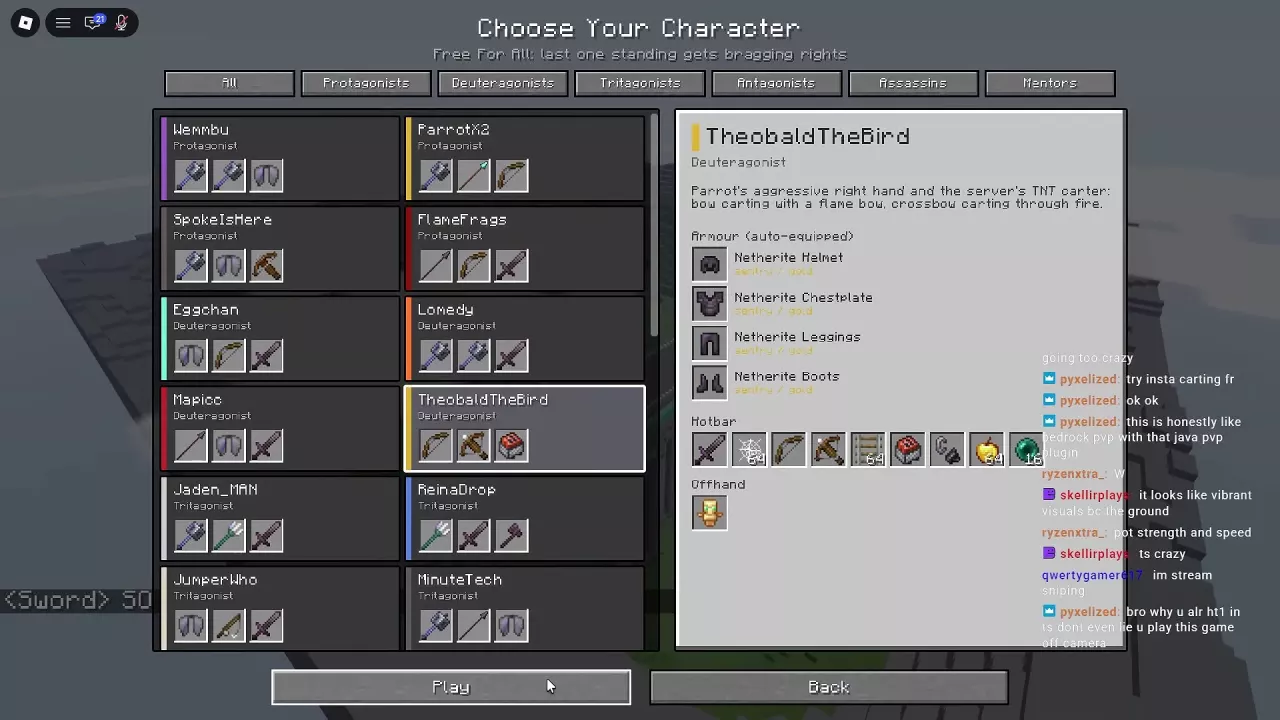
Open Free For All, select TheobaldTheBird, then press Play to enter with the cart preset. Theobald is a Deuteragonist; if you still need access, follow the character unlock routes.
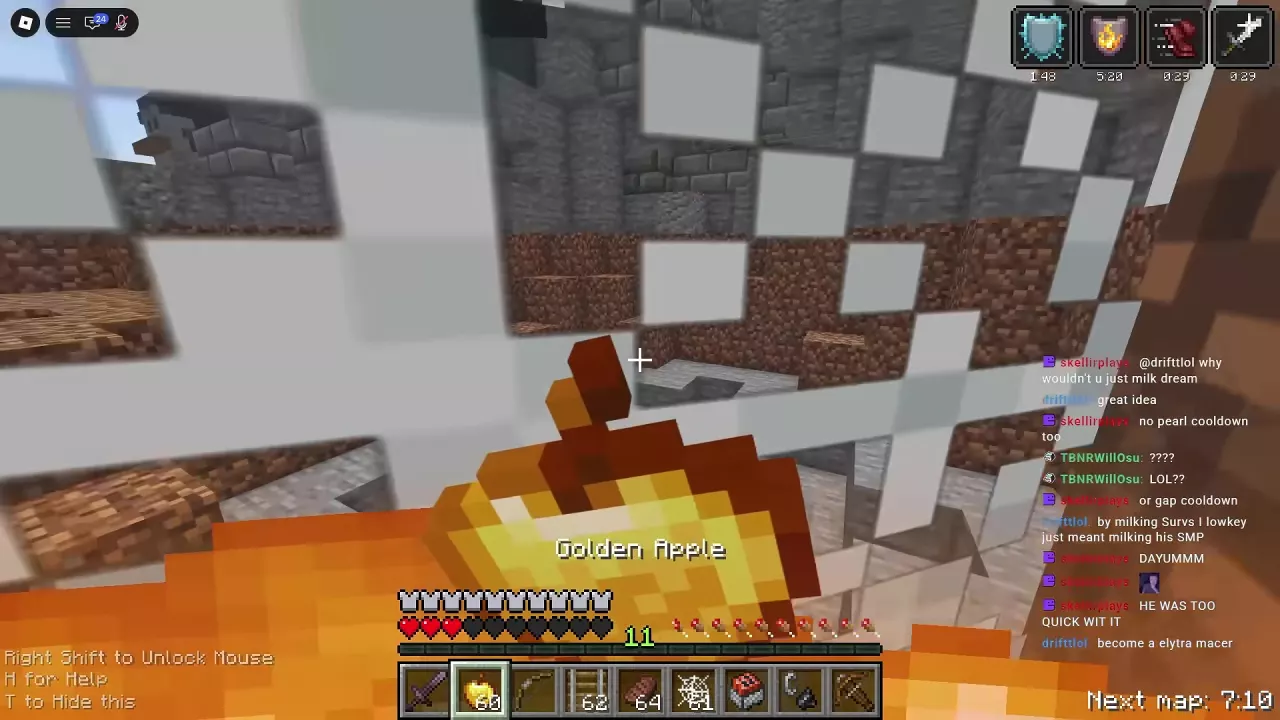
The preset's hotbar contains Netherite Sword, Cobweb, Bow, Crossbow, Rail, Minecart with TNT, Flint and Steel, Golden Apple and Ender Pearl. A Totem of Undying occupies the offhand.
Arrange your combat tools around the sequence you need to perform:
- Keep Cobweb, Rail and Minecart with TNT within quick switching reach for placement.
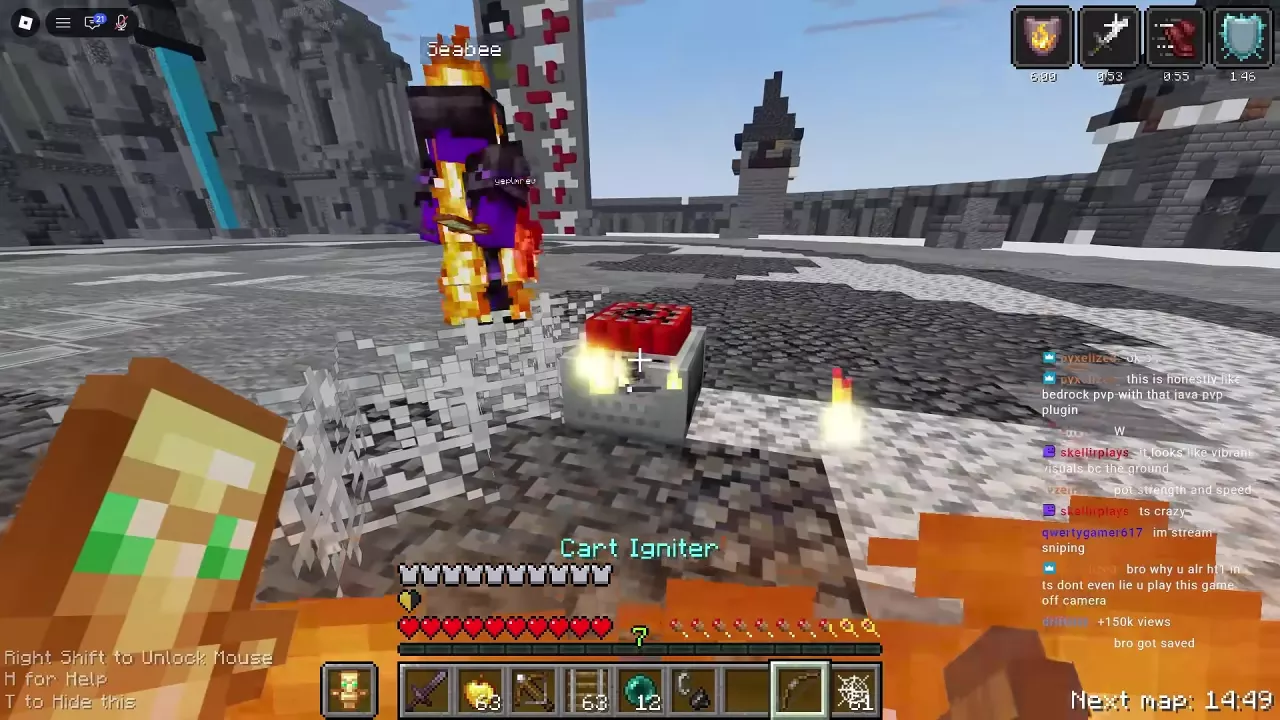
- Keep the bow-shaped Cart Igniter ready for the attack after placing a cart.
- Keep Netherite Sword accessible for pressure before and after the setup.
- Leave Golden Apple and Ender Pearl accessible when you need to recover or reposition.
Flint and Steel and Cart Igniter are separate tools. Flint and Steel creates fire; Cart Igniter is the bow-shaped tool used during cart attacks. Choose the tool by its name and role when rearranging your hotbar.
See inventory, hotbar and offhand management for item movement and swapping, or the character directory for the rest of Theobald's preset.
Place Cobweb, Rail and the TNT Cart
Have a cart, rails, cobwebs and your cart attack tool in the hotbar before closing in.
- Approach with Netherite Sword. Apply melee pressure to create an opening for placement.
- Place Cobweb in front of or beside the opponent. Use the web to restrict movement near your setup.
- Lay Rail on the ground beside the web. Put it close to the opponent's position.
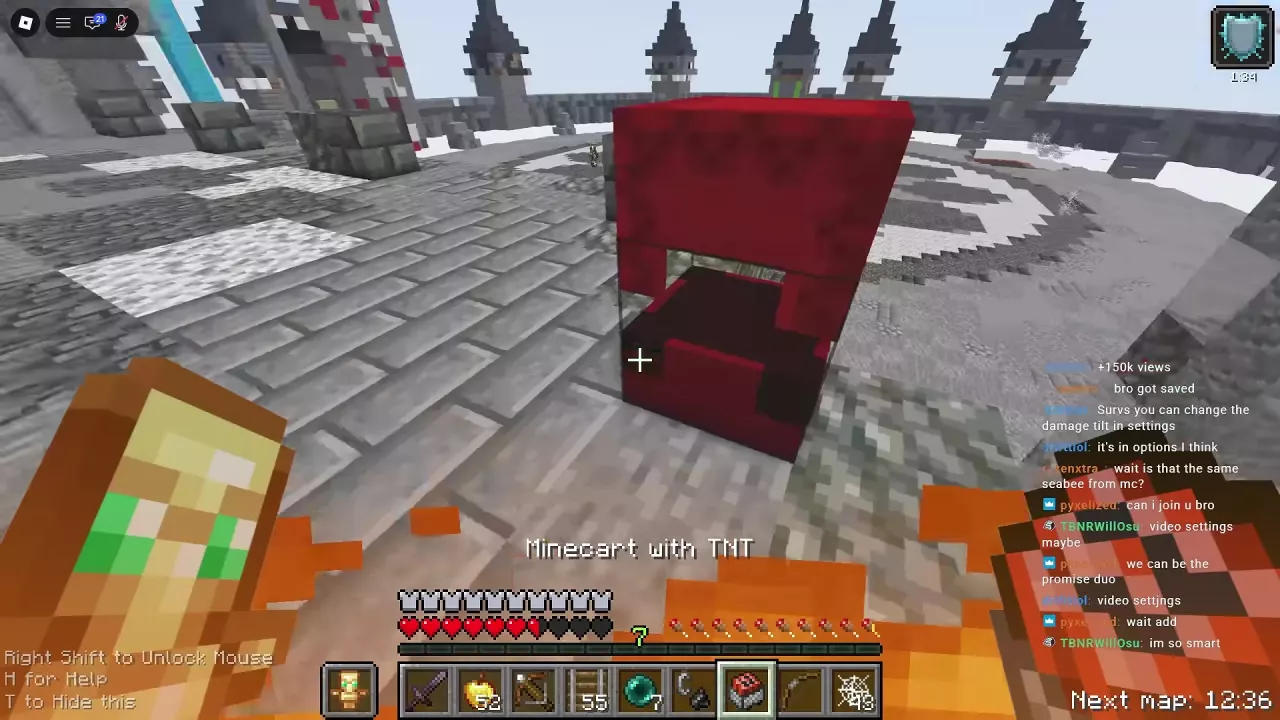
- Place Minecart with TNT on the rail. The rail provides the placement point for the cart.
- Switch to Cart Igniter and follow with the bow-shaped cart attack. Keep track of the opponent as you switch tools.
- Return to sword pressure or prepare another placement. If the cart slot is empty and you have a spare in inventory, move it into the hotbar before repeating the sequence.
Rail placement uses up your carried Rail stack, so watch both your rails and carts during repeated attempts. Rails can be used on arena ground, corridor floors, wooden duel platforms and crater floors.
Against a shield user, you can place the web around their feet and build the rail-and-cart setup nearby. Treat it as another attack opportunity, not a guaranteed shield break or Totem activation. For web placement and escape techniques beyond this combination, see Cobweb Traps and Escapes.
Flame Bow and Crossbow-through-Fire Routes
TheobaldTheBird supports two carting routes: a Flame Bow attack and crossbow shots fired through flames.
| Route | How to use it with the cart setup | Practical consideration |
|---|---|---|
| Flame Bow carting | Follow the placed cart with the Flame Bow attack. During close-range combinations, switch to the bow-shaped Cart Igniter, which can be drawn. | A useful starting route for practicing the transition from placement to a bow attack. |
| Crossbow through fire | Use Flint and Steel to create ground fire beside the cart setup, then fire crossbow bolts through the flames toward the cart. | Keep both the fire source and Crossbow accessible; the shot needs a path through the fire. |
For the crossbow route, prepare the fire before lining up the shot. Simply holding Crossbow near a cart is not the firing step. For the bow-shaped attack, switch to Cart Igniter after placement rather than reaching for Flint and Steel.
Start by practicing one route consistently. The main handling challenge is switching from control to placement to attack while the opponent is still moving; changing tools without a clear sequence adds more opportunities to lose that opening.
Continue Fighting After the Explosion
A cart explosion can kill, launch a surviving opponent, damage you and break the ground. Watch the opponent and your own health after the blast before committing to another setup.
- If the opponent survives: Switch back to Netherite Sword and maintain pressure when you can safely reach them. Rebuild the web-and-cart setup when another opening appears; being launched does not mean they are defeated.
- If you take heavy damage: Make room to use a Golden Apple before another close-range attempt. Keep recovery supplies accessible throughout the fight, since a successful explosion kill can still leave the attacker badly hurt.
- If the fight moves through a corridor or toward an edge: Watch where the opponent lands and where you step. Knockback can turn a cart fight into a fall kill, and explosions can leave craters along the chase route.
- If you end up in a crater: Use Cobweb near a wall to help create a recovery opportunity, eat a Golden Apple, then resume pressure. You can place Rail and another TNT cart on the crater floor when ready.
- If you are fighting on a wooden duel platform: Check the floor after each explosion. A blast can destroy part of the platform while leaving the opponent alive, changing both your footing and the follow-up route.
Theobald's cart equipment also works in Duels. For recovery timing and defensive item handling, continue to Healing, Potions and Defensive Items.
Refill with Cart Restock
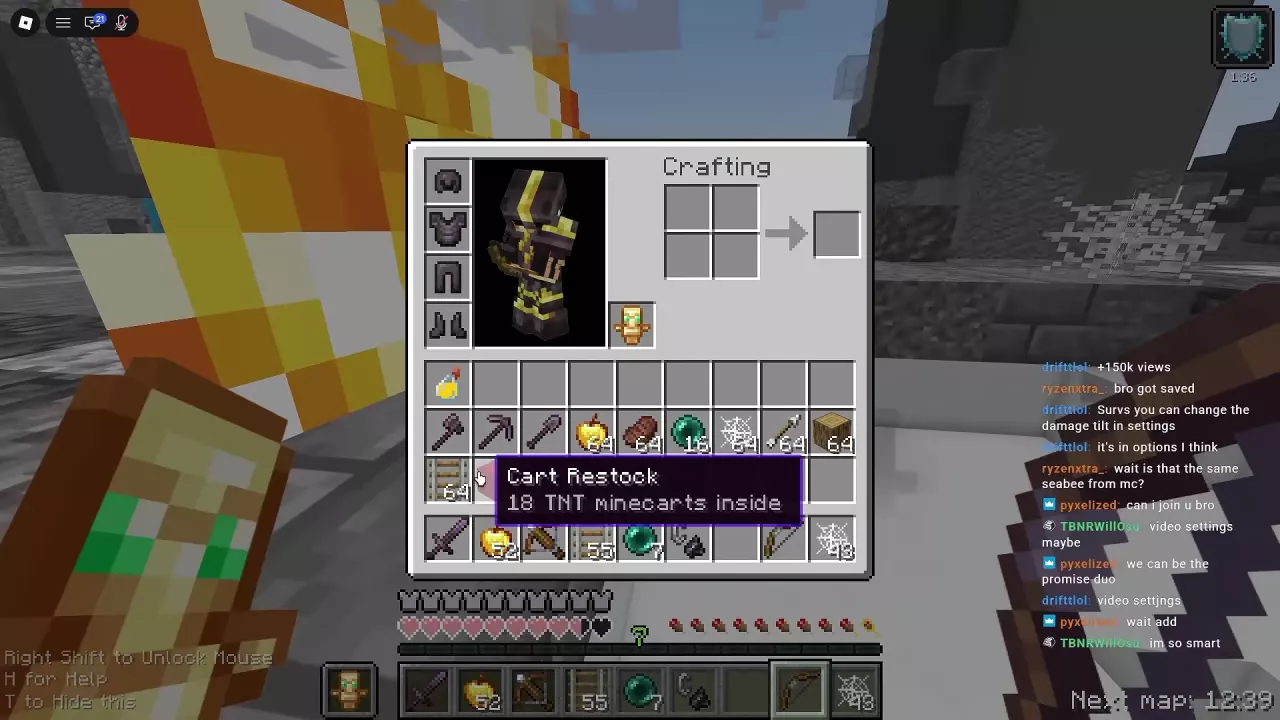
Cart Restock is a red supply block containing 18 TNT minecarts. When you have one in inventory, place and open it to replenish your carts.
- Press E to open inventory. Find the red Cart Restock block; its tooltip identifies the 18 TNT minecarts inside.
- Move Cart Restock into your hotbar. Close inventory and select it.
- Place the block on the ground and open it. Take minecarts from the supply.
- Put a Minecart with TNT into your hotbar and select it. You are ready to place another cart on Rail.
If you already have loose spare minecarts in inventory, move one directly into the hotbar instead. That is a hotbar refill and does not require opening Cart Restock. Keep the remaining spares available for subsequent attacks.